Deleted Wiki: Clean Up the Lost Files
Launches 30 September 2026 · PC · Casual, Indie
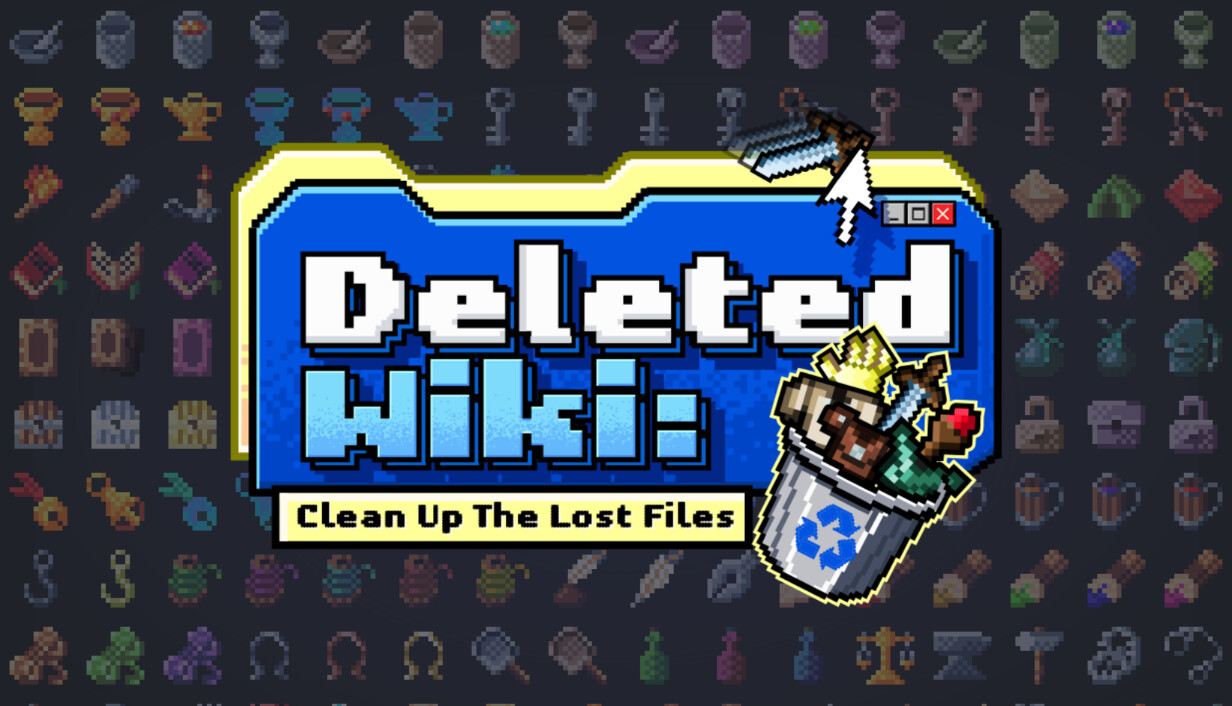
In 2007 a vandal deleted all 10,324 items on the fan wiki for Plains of Embercraft: Online. You are the new Moderator. Drag each item out of the deletion log into its department, its sub-folder and its row, and watch the broken pages come back.
Story
A user called Nullbane logs into The Embercraft Item Vault, a fan wiki that has spent two years cataloguing every item in the 2004 MMO Plains of Embercraft: Online , deletes 10,324 item entries in a single pass, and logs off. Fortunately nothing is actually gone and all the items are still sitting in the deletion log, waiting for someone patient enough to put it back. That someone is you. Congratulations on the promotion! You are the Vault's new Moderator . Identify. Drag an item out of the Trash onto one of the seven Category folders in the sidebar: Weapons, Armor, Consumables, Materials, Skills & Status, Interface, Curios. Use your best judgement to determine where each item should go until you gain the ability to see exactly where they go. Sort. On each Category's page, drag items out of the unsorted pile into the right Sub-Category folder. Swords onto Swords, Debuffs onto Debuffs. Every time you sort an item you'll get Sorting Points to unlock new upgrades called scripts, which speed up and automate the organization process. Place. Open a Sub-Category folder and drop each item onto its exact row. Fill a whole row with the same item and you earn a Completion Point,...
Gameplay
A user called Nullbane logs into The Embercraft Item Vault, a fan wiki that has spent two years cataloguing every item in the 2004 MMO Plains of Embercraft: Online , deletes 10,324 item entries in a single pass, and logs off. Fortunately nothing is actually gone and all the items are still sitting in the deletion log, waiting for someone patient enough to put it back. That someone is you. Congratulations on the promotion! You are the Vault's new Moderator . Identify. Drag an item out of the Trash onto one of the seven Category folders in the sidebar: Weapons, Armor, Consumables, Materials, Skills & Status, Interface, Curios. Use your best judgement to determine where each item should go until you gain the ability to see exactly where they go. Sort. On each Category's page, drag items out of the unsorted pile into the right Sub-Category folder. Swords onto Swords, Debuffs onto Debuffs. Every time you sort an item you'll get Sorting Points to unlock new upgrades called scripts, which speed up and automate the organization process. Place. Open a Sub-Category folder and drop each item onto its exact row. Fill a whole row with the same item and you earn a Completion Point, which buys the most powerful automation script upgrades that Sorting Points can't. Sysop_Wren runs the site and... has no intention of sorting any of this personally. But luckily he is very good at...
Features
- Single-player
- Steam Achievements
- Camera Comfort
- Custom Volume Controls
- Mouse Only Option
- #category_playable_at_your_own_pace
- Playable without Timed Input
- Steam Cloud
Developed by Clique Games. Published by Clique Games, Shared Games.