CURSORLOOM
Launches 8 October 2026 · PC · Design & Illustration, Utilities
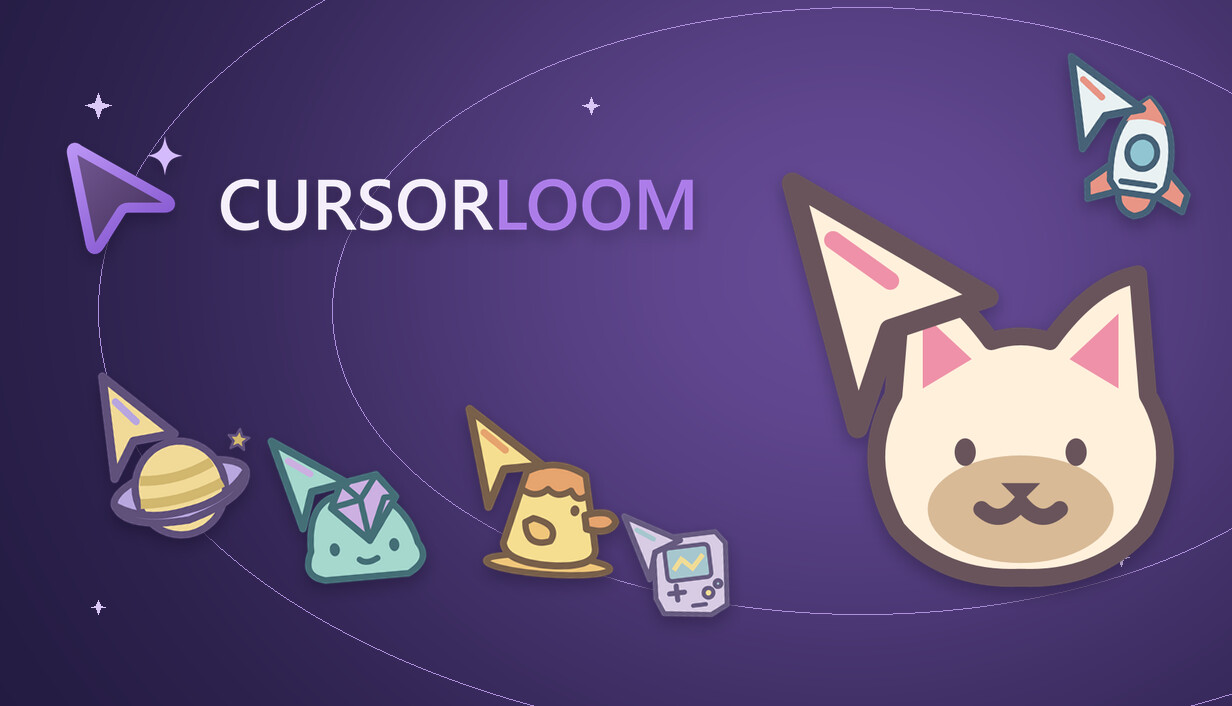
Give your desktop a little personality with 188 original cursor themes. Pick a matching set, try it at actual size, or edit your own colors, pixels and animations. From cozy animals to space and fantasy—find your next favorite.
Story
Small cursors. Big personality. A cat beside your clicks. A tiny rocket for your next idea. A little slime to brighten your desktop. CURSORLOOM brings 188 original cursor themes together in one place, ready to browse, try and make your own. Find your next favorite Explore animals, space, fantasy, retro-inspired designs, everyday objects and clean minimal styles. Preview a theme at actual size before applying it to your Windows desktop. A whole matching set Each theme includes 13 cursor states, with coordinated designs for pointing, text selection, links, resizing, waiting and more. Selected states include native cursor animations, so the details feel connected—not like a single arrow pasted everywhere. Use it as it is. Or make it yours. Start with a theme you like and edit a copy. Adjust colors and pixels, set the click point, and work with animation frames and timing. Save your creation without replacing the original theme. Made for everyday desktop use Choose a size, switch between light and dark app themes, and return to your previous cursor scheme using the restore control. The interface supports English, Simplified Chinese, Traditional Chinese, Japanese and Korean. One...
Gameplay
Small cursors. Big personality. A cat beside your clicks. A tiny rocket for your next idea. A little slime to brighten your desktop. CURSORLOOM brings 188 original cursor themes together in one place, ready to browse, try and make your own. Find your next favorite Explore animals, space, fantasy, retro-inspired designs, everyday objects and clean minimal styles. Preview a theme at actual size before applying it to your Windows desktop. A whole matching set Each theme includes 13 cursor states, with coordinated designs for pointing, text selection, links, resizing, waiting and more. Selected states include native cursor animations, so the details feel connected—not like a single arrow pasted everywhere. Use it as it is. Or make it yours. Start with a theme you like and edit a copy. Adjust colors and pixels, set the click point, and work with animation frames and timing. Save your creation without replacing the original theme. Made for everyday desktop use Choose a size, switch between light and dark app themes, and return to your previous cursor scheme using the restore control. The interface supports English, Simplified Chinese, Traditional Chinese, Japanese and Korean. One purchase includes the built-in theme collection and editor. No subscription or extra account is needed for the core tools. CURSORLOOM changes Windows system cursors. Software that draws its own cursor...
Developed by Secret X. Published by Secret X.