KEYCAST
Launches 2 October 2026 · PC · Software Training, Utilities, Video Production
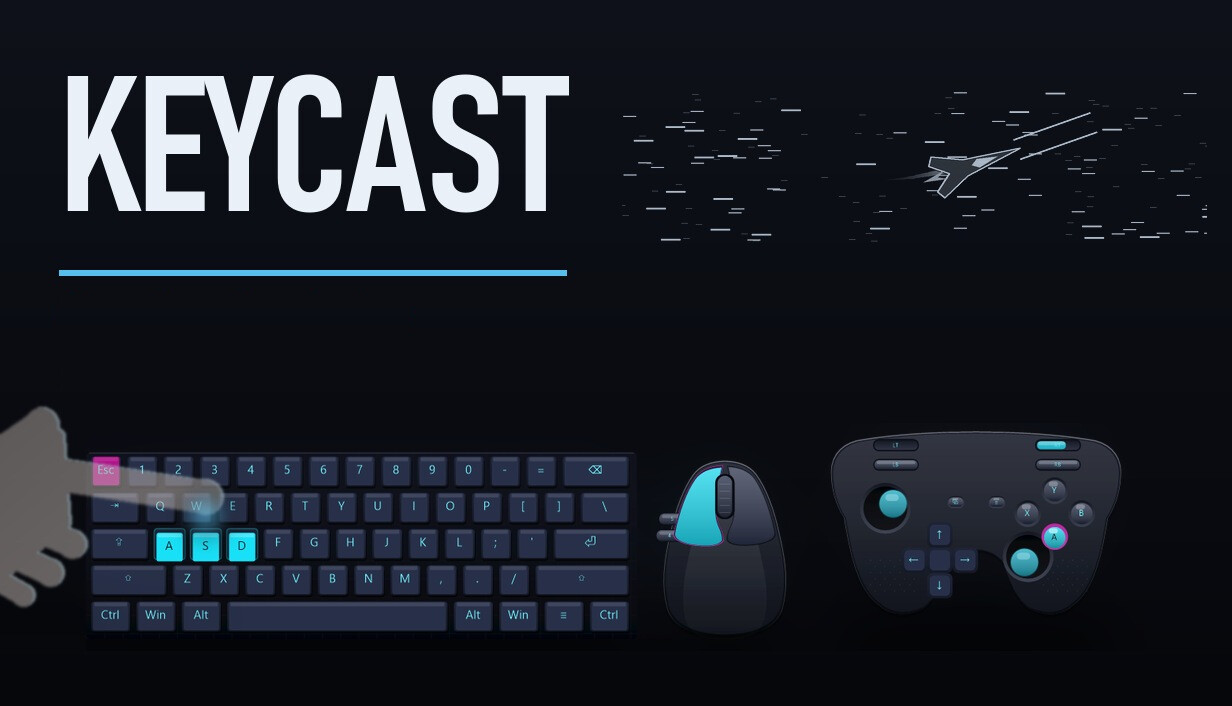
Show keyboard, mouse and XInput controller input on your Windows desktop. Choose from 86 skins, eight preset layouts and four key effects. Combine layouts, add animal keycaps, and show or hide the overlay with a shortcut.
Story
Make your inputs visible KEYCAST displays keyboard, mouse and XInput controller activity in a desktop overlay. Use it to demonstrate shortcuts, explain controls or show an input sequence. Supported keys and buttons light up as you use them; controller layouts also show stick and trigger movement. Choose and combine layouts Eight built-in presets cover WASD, 60%, 75%, TKL 87, Full 104, mouse, XInput gamepad and arcade controls. Combine up to four layouts on screen, such as a keyboard with mouse and gamepad displays. The visual picker lets you preview and select the included styles: 86 skins with different colors and keycap designs. Four key effects: Pulse, Bolt, Ember and Frost. Effects can follow the skin or be turned off. 12 animal keycap designs that you can place on supported keys. These presets and styles are included with the app. Control the overlay The locked overlay supports click-through. Unlock it to drag it into position. After briefly hovering over it, you can also drag the overlay or right-click to open the picker. Your chosen layouts, skin, effect and position are saved for the next launch. Ctrl+Alt+K : show or hide the overlay. Ctrl+Alt+L : unlock or lock...
Gameplay
Make your inputs visible KEYCAST displays keyboard, mouse and XInput controller activity in a desktop overlay. Use it to demonstrate shortcuts, explain controls or show an input sequence. Supported keys and buttons light up as you use them; controller layouts also show stick and trigger movement. Choose and combine layouts Eight built-in presets cover WASD, 60%, 75%, TKL 87, Full 104, mouse, XInput gamepad and arcade controls. Combine up to four layouts on screen, such as a keyboard with mouse and gamepad displays. The visual picker lets you preview and select the included styles: 86 skins with different colors and keycap designs. Four key effects: Pulse, Bolt, Ember and Frost. Effects can follow the skin or be turned off. 12 animal keycap designs that you can place on supported keys. These presets and styles are included with the app. Control the overlay The locked overlay supports click-through. Unlock it to drag it into position. After briefly hovering over it, you can also drag the overlay or right-click to open the picker. Your chosen layouts, skin, effect and position are saved for the next launch. Ctrl+Alt+K : show or hide the overlay. Ctrl+Alt+L : unlock or lock its position. Ctrl+Alt+P : open the visual picker. Ctrl+Alt+Q : quit KEYCAST. Hiding the overlay leaves the app running. The tray menu also provides controls. The interface is available in English,...
Developed by Secret X. Published by Secret X.